

Houses and cozy rooms
Cottages, apartments, tiny rooms, and decorated living spaces.
Build colorful 3D brick models step by step, create freely in sandbox, and walk inside your finished world.
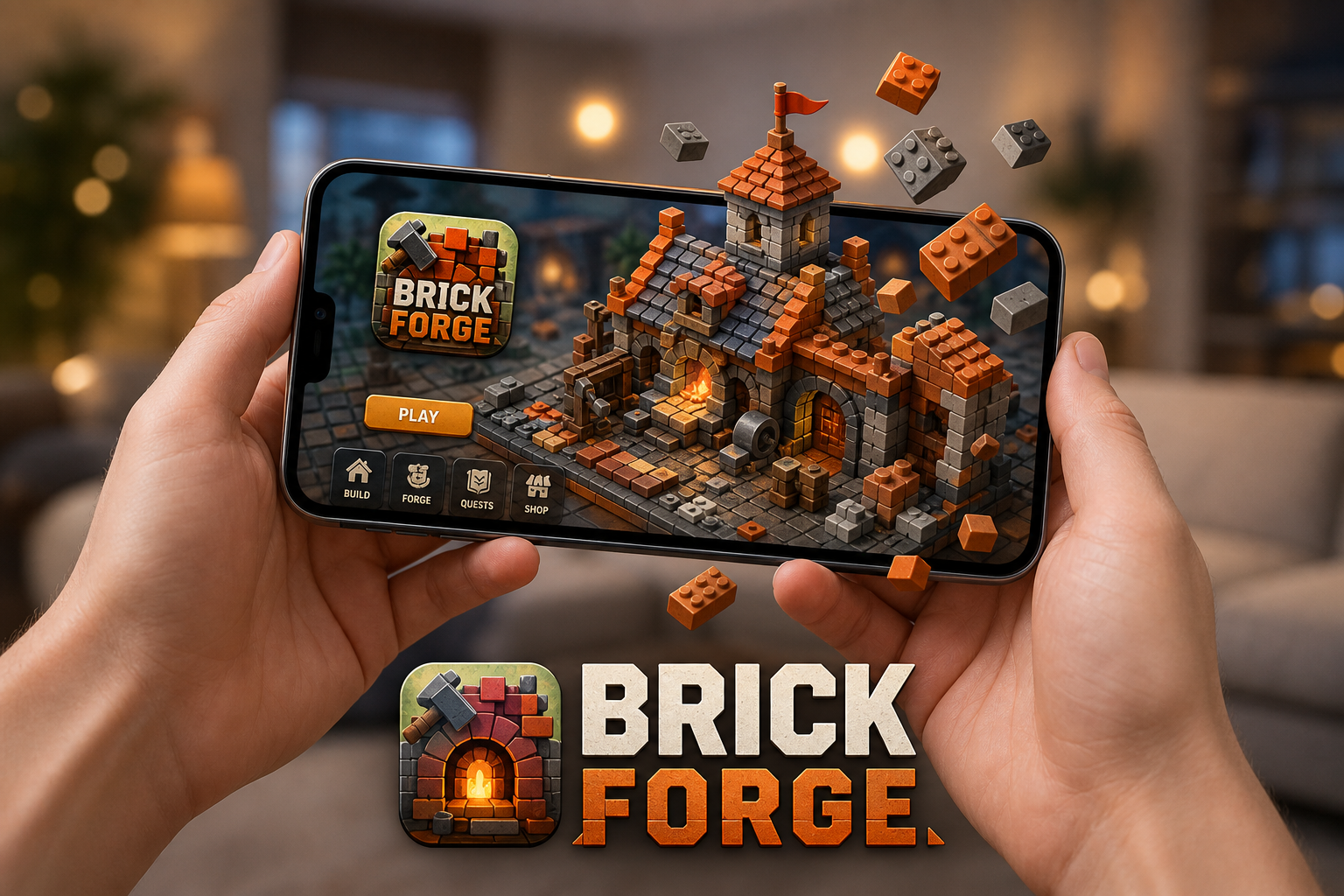
A relaxing mobile building game for iPhone, iPad, and Android — with guided puzzles, creative sandbox mode, Walk Mode, and optional Philips Hue Sync.
Available on iOS & Android
Brick Forge is a free-to-start 3D brick building game that combines guided brick puzzles with open-ended sandbox creativity. Place colorful bricks piece by piece, finish satisfying mini-models, or design streets, houses, vehicles, and dioramas at your own pace.
Whether you want a calm five-minute puzzle break or a longer creative session, this relaxing mobile game is built for iOS and Android with intuitive touch controls, helpful placement tools, and Walk Mode that lets you build and explore inside your finished world.
Brick Forge is a family-friendly creative building game with no timers, no combat, and optional in-app purchases for extra brick packs.
Guided Play turns building into a gentle puzzle. Each chapter breaks a model into small steps with hints for the next piece, snap assistance, and no fail states.
Open a blank board and build freely with colorful brick shapes, slopes, curves, tiles, doors, windows, wheels, animals, and themed decorations.
Walk Mode switches to a first-person view so you can move through doors, streets, rooms, and small details you placed. Brick Forge is not only a block building game — it lets you step inside your finished creation and explore from within.
Build a cozy house, a miniature town, or a glowing night scene, then use Walk Mode to feel scale, lighting, and layout in a new way.
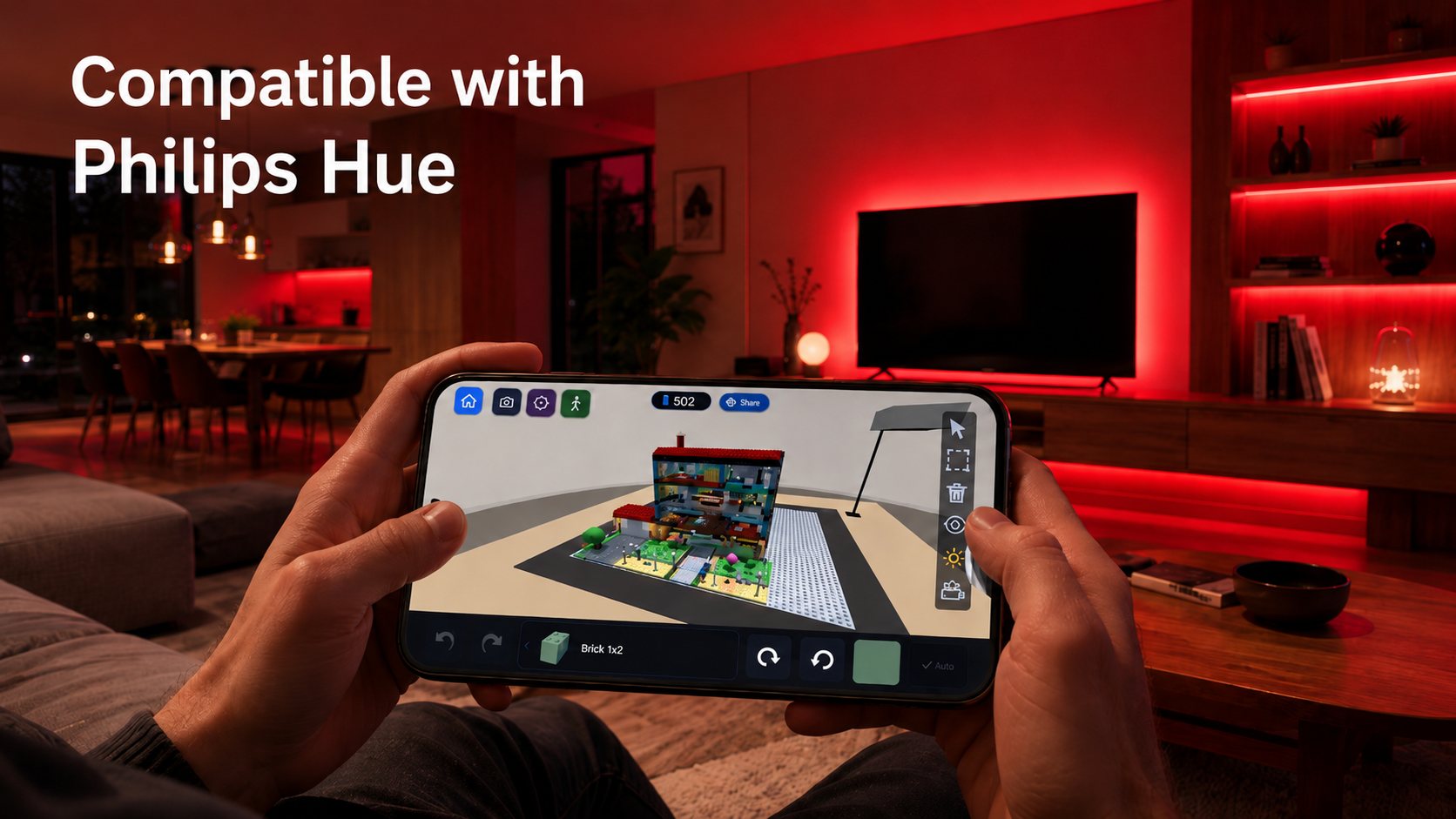
Brick Forge can connect to Philips Hue smart lights through your Hue Bridge on the same Wi‑Fi network. Turn on Hue Sync from the home screen and your room follows the action — brick colors as you place pieces, scene ambience in Walk Mode, and celebration lighting when you finish a chapter.
Hue Sync is optional and works with your existing Philips Hue setup. You can pause or remove the connection anytime from the app.
Philips Hue is a trademark of Signify Holding. Brick Forge is not affiliated with, endorsed by, or sponsored by Signify or Philips.
From quick guided models to larger sandbox scenes, Brick Forge supports many builder styles.
Cottages, apartments, tiny rooms, and decorated living spaces.
Shops, parks, traffic lights, sidewalks, and neighborhood scenes.
Cars, trucks, planes, helicopters, sailboats, and harbor builds.
Castles, robots, mechs, outposts, and neon-lit future towns.
Trees, paths, animals, beaches, and waterfront builds.
Lighthouses, glowing signs, disco lights, and evening builds.
Most mobile builder games ask you to pick either puzzles or free building. Brick Forge brings both together in one calm creative app.
Follow step-by-step brick chapters and complete colorful 3D models piece by piece.
Build freely with colorful bricks and create houses, vehicles, cities, fantasy scenes, or your own ideas.
Switch to first-person view and explore your finished creation from the inside.
500+ parts, new colors, and material finishes keep expanding what you can build.
500+ parts — more colors, materials, and building pieces
Optional Philips Hue Sync — smart lights that match your builds
32 colorful brick-inspired colors
Glass, Metal, Matte, Glossy, and Neon finishes
Pick a chapter or start from an empty base.
Place bricks, parts, colors, and materials.
Finish your model, keep building freely, or walk inside in Walk Mode.


Brick Forge is designed for players who enjoy calm creativity, satisfying building, and small construction challenges. Build for a few minutes or spend longer crafting your own detailed world.
Download Brick Forge for free and create colorful 3D brick models with guided chapters, sandbox building, and Walk Mode exploration.
Available on iOS & Android
Brick Forge is a relaxing 3D brick building game where you can build colorful models, solve guided brick puzzles, create freely in sandbox mode, and explore your finished creations in Walk Mode.
Brick Forge is free to start and may include optional in-app purchases.
Yes. Brick Forge is a relaxing mobile building game available on the App Store for iPhone and iPad, and on Google Play for Android phones and tablets.
Walk Mode lets you enter your finished build and explore it from inside the scene.
Yes. Brick Forge includes optional Hue Sync. Connect your Philips Hue Bridge on the same Wi‑Fi network to match room lighting with your builds. You need your own Hue Bridge and compatible Philips Hue lights. Brick Forge is not affiliated with Signify or Philips.
No. Philips Hue Sync is completely optional. You can enjoy guided brick puzzles, sandbox building, and Walk Mode without any smart lights.
Yes, Brick Forge includes guided building chapters that help you complete models step by step.
Yes, Sandbox Mode lets you build your own brick worlds freely with different parts, colors, and materials.
Brick Forge is designed as a family-friendly creative building game, but parents should review the app store listing and device settings for age suitability and in-app purchase controls.
Core building and saving features are designed to work offline on supported devices. Some online features, store access, updates, ads, or community features may require an internet connection.
Brick Forge supports 17 app languages: English, Turkish, Spanish, Portuguese, German, French, Italian, Arabic, Indonesian, Hindi, Japanese, Korean, Polish, Russian, Dutch, Ukrainian, and Chinese Simplified.
Brick Forge is free to start and may offer optional in-app purchases for extra content or features.
Guided chapters give you step-by-step building goals, while Sandbox Mode lets you create freely from an empty base.
You can save your creations, capture screenshots, and share your favorite builds using your device's sharing options or supported in-game features.
Brick Forge is developed by Erhan Kuzey under Forge Harbor Studios.